1. Data Types
A data type specifies what kind of value a variable holds.
- Numeric Types
age = 25          # int
price = 99.99     # float
number = 2 + 3j # complex - String Type
name = "John" # str- Boolean Type
is_student = True # bool- Collection Types
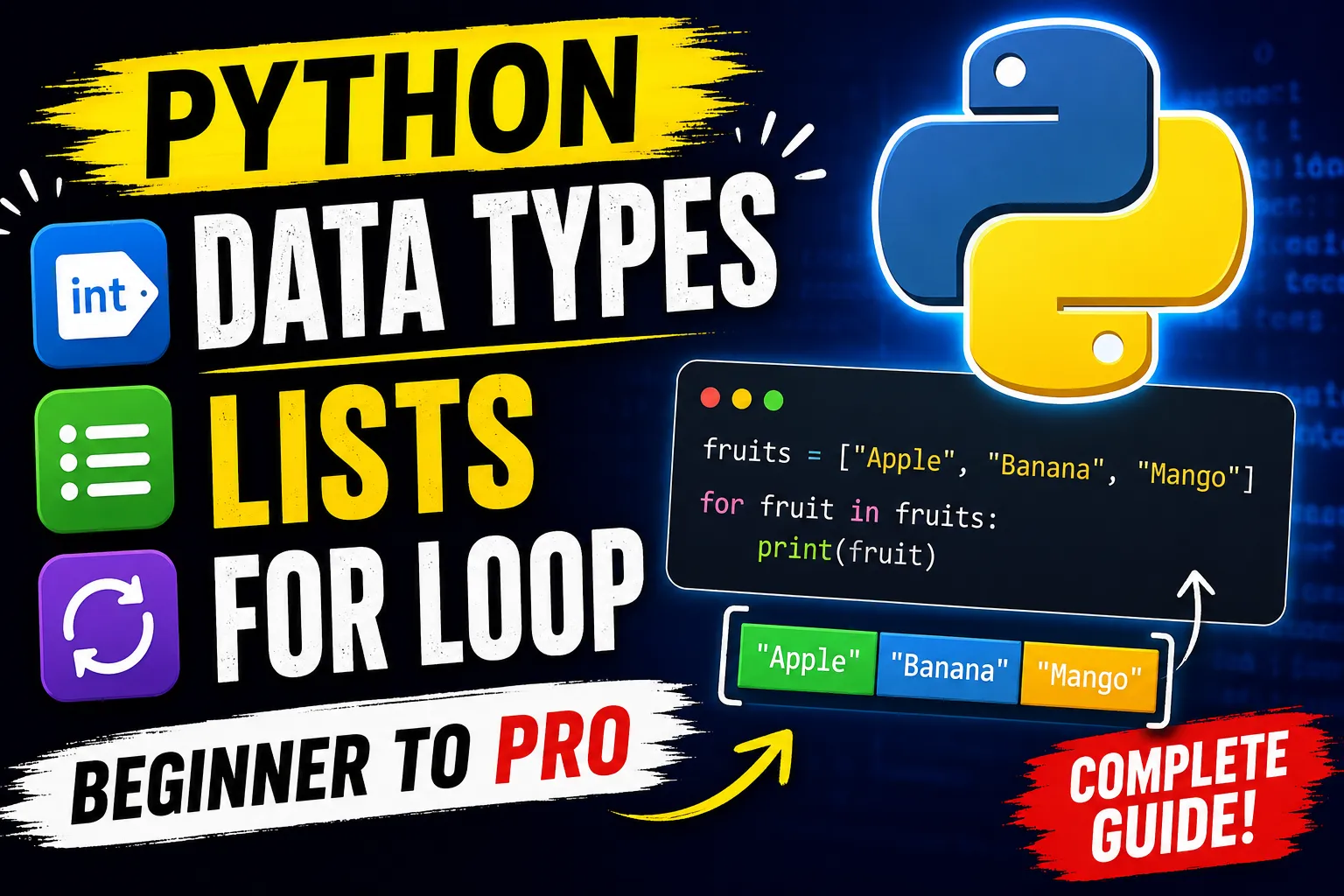
fruits = ["Apple", "Banana", "Mango"]     # list
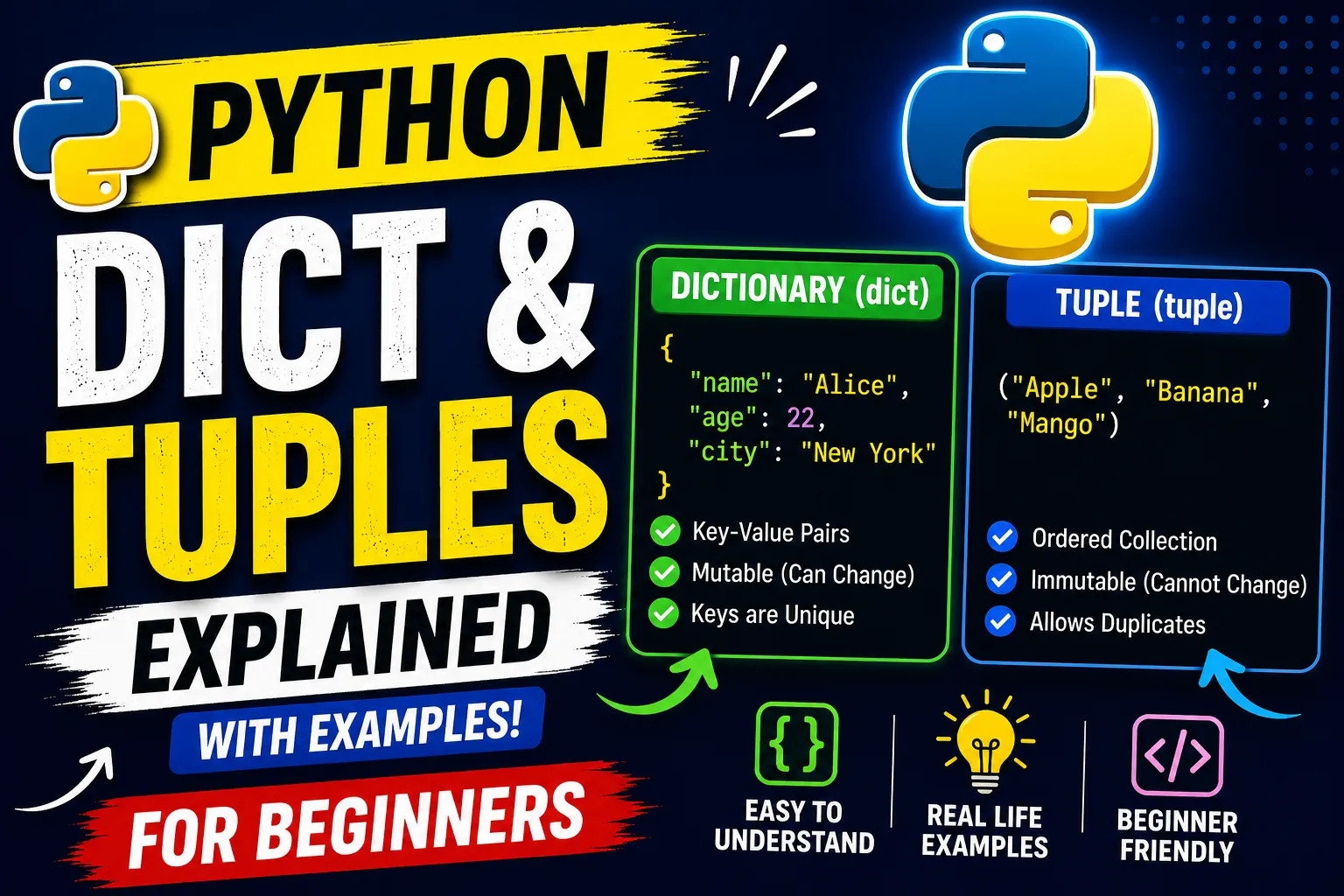
colors = ("Red", "Green", "Blue")         # tuple
numbers = {1, 2, 3}                       # set
student = {"name": "John", "age": 20} # dict- Special Type
value = None- Check Data Type
x = 100
type(x)
Output
int2. Lists
A list is an ordered, mutable collection that can store multiple values.
- Create a List
fruits = ["Apple", "Banana", "Mango"]
print(fruits)- Access Elements
print(fruits[0])   # Apple
print(fruits[1])   # Banana
print(fruits[-1]) # Mango- Change an Item
fruits[1] = "Orange"
print(fruits)- Add Items
fruits.append("Grapes")
print(fruits)- Insert Item
fruits.insert(1, "Kiwi")- Remove Item
fruits.remove("Apple")- Length of List
print(len(fruits))- List Slicing
numbers = [10, 20, 30, 40, 50]
print(numbers[1:4])
Output
[20, 30, 40]3. For Loop
A for loop is used to iterate over a sequence such as a list, string, tuple, or range.
- Loop Through a List
fruits = ["Apple", "Banana", "Mango"]

for fruit in fruits:
print(fruit)- Using
range()
for i in range(5):
	print(i)
Output
0
1
2
3
4- Start and End
for i in range(1, 6):
print(i)- Loop Through a String
for letter in "Python":
   print(letter)
Output:
 P
 y
 t
 h
 o
n - Loop with Index
fruits = ["Apple", "Banana", "Mango"]
for index, fruit in enumerate(fruits):
   print(index, fruit)
Output
0 Apple
1 Banana
2 Mango