What is Error Handling?
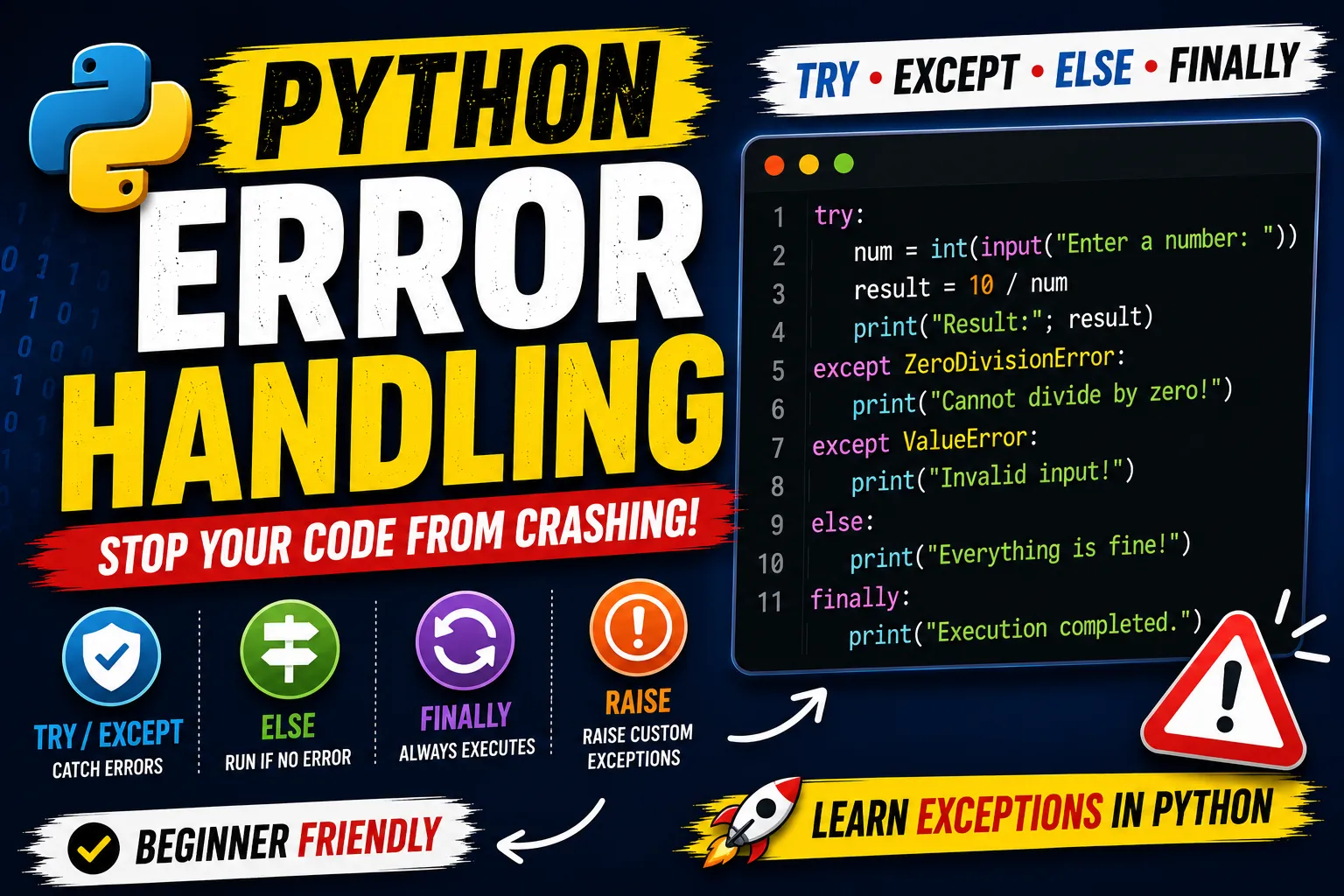
- Error Handling is the process of handling runtime errors without stopping the program.
- Instead of crashing, the program can display a meaningful message or perform another action.
Example Without Error Handling
num = int(input("Enter a number: "))
result = 10 / num
print(result)
Output:
ZeroDivisionError: division by zeroWhy Use Error Handling?
- Error handling helps you:
1. Prevent program crashes
2. Improve user experience
3. Display meaningful error messages
4. Handle unexpected situations
5. Write professional applications
The
tryBlockThe code that may cause an error is placed inside the
tryblock.try: number = int(input("Enter a number: ")) print(number)
If an exception occurs, Python immediately looks for an except block.
The
exceptBlock- The
exceptblock handles the exception.
- The
try:
 	number = int(input("Enter a number: "))
  	print(10 / number)
except ZeroDivisionError:
 	 print("Cannot divide by zero.")
Handling Multiple Exceptions
- A program can raise different types of exceptions.
try:
 	number = int(input("Enter a number: "))
  	print(10 / number)

except ValueError:
	print("Please enter a valid number.")

except ZeroDivisionError:
	print("Zero is not allowed.")
Catching Multiple Exceptions Together
try:
	number = int(input("Enter a number: "))
	print(10 / number)

except (ValueError, ZeroDivisionError):
	print("Invalid input.")
Generic Exception
- If you don't know which exception may occur
try:
	number = int(input())
	print(10 / number)

except Exception as error:
	print(error)
Example Output:
division by zeroor
invalid literal for int()The
elseBlock- The
elseblock executes only if no exception occurs.
- The
try:
	number = int(input("Enter a number: "))
	print(10 / number)

except ZeroDivisionError:
	print("Cannot divide by zero.")

else:
	print("Program executed successfully.")
Output:
Enter a number: 2

5.0
Program executed successfully.
The
finallyBlock- The
finallyblock always executes, whether an exception occurs or not.
- The
try:
    file = open("sample.txt")

except FileNotFoundError:
    print("File not found.")

finally:
    print("Program finished.")
Output:
File not found.
Program finished.
Using
raise- The
raisekeyword lets you create your own exceptions.
- The
age = -5

if age < 0:
    raise ValueError("Age cannot be negative.")
Output:
ValueError: Age cannot be negative.