
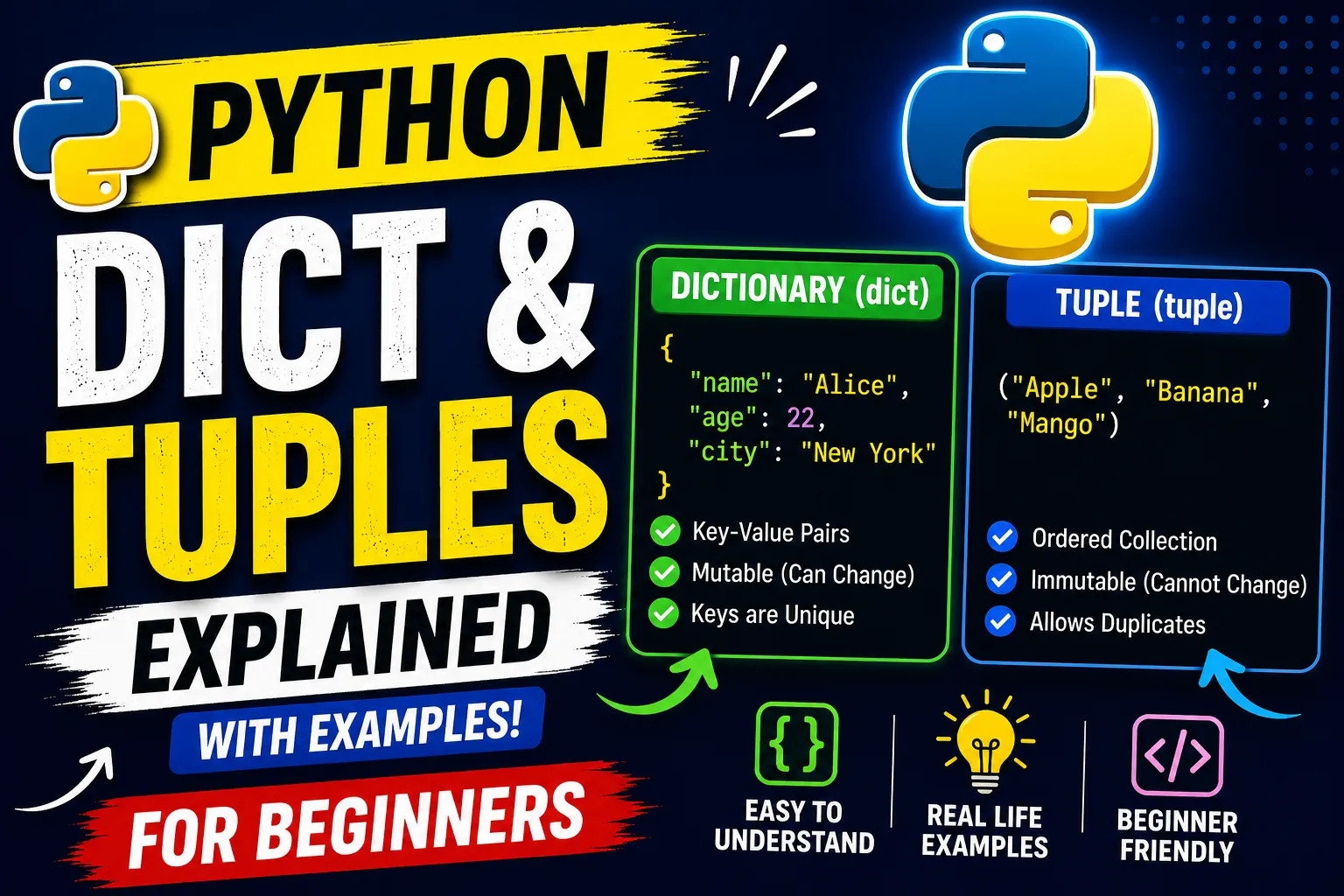
- Dictionary (dict)
- A dictionary stores data as key-value pairs. Each key must be unique, and you use the key to access its corresponding value.
- A dictionary stores data as key-value pairs. Each key must be unique, and you use the key to access its corresponding value.
- Tuple (
tuple)- A tuple is an ordered collection of items that cannot be changed after it is created (immutable).
Difference Between Dictionary (dict) and Tuple (tuple)
| Feature | List | Tuple |
|---|---|---|
| Syntax | [] | () |
| Mutable | ✅ Yes | ❌ No |
| Ordered | ✅ Yes | ✅ Yes |
| Can Add/Remove Items | ✅ Yes | ❌ No |
| Performance | Slightly slower | Slightly faster |
| Common Use | Data that changes | Data that should stay constant |
Dictionary Example
student = {
   "name": "Alice",
   "age": 22,
   "city": "Delhi"
}
print(student["name"])
Output
Alice- Tuple Example
student = ("Alice", 22, "Delhi")
print(student[0])
Output
AliceDictionary Can Be Modified
student = {
   "name": "Alice",
   "age": 22
}
student["age"] = 23
student["city"] = "Delhi"
print(student)
Output
{'name': 'Alice', 'age': 23, 'city': 'Delhi'}Tuple Cannot Be Modified
student = ("Alice", 22)
student[1] = 23   # ❌ Error
Output
TypeError: 'tuple' object does not support item assignmentDictionary (
dict) Methods
| Method | Description |
|---|---|
clear() | Removes all items |
copy() | Returns a copy of the dictionary |
fromkeys() | Creates a dictionary from keys |
get() | Returns the value of a key |
items() | Returns key-value pairs |
keys() | Returns all keys |
values() | Returns all values |
pop() | Removes an item by key |
popitem() | Removes the last inserted item |
setdefault() | Returns value of key or inserts default |
update() | Updates the dictionary with new values |
Example
student = {
   "name": "Alice",
   "age": 20
}

# get()
print(student.get("name"))

# keys()
print(student.keys())

# values()
print(student.values())

# items()
print(student.items())

# update()
student.update({"city": "Delhi"})

# pop()
student.pop("age")

print(student)
Tuple (
tuple) Methods
| Method | Description |
|---|---|
count() | Counts how many times a value appears |
index() | Returns the index of the first occurrence |
numbers = (10, 20, 30, 20, 40)

# count()
print(numbers.count(20))

# index()
print(numbers.index(30))
Output
2
2
Quick Comparison
# Dictionary
person = {
   "name": "John",
   "age": 25
}
print(person["name"])   # Access by key

# Tuple
person = ("John", 25)
print(person[0])        # Access by index
Easy way to remember:
- ?️ Dictionary = Like a contact list (
Name → Phone Number). - ? Tuple = Like a sealed box—once packed, you can't change its contents.