
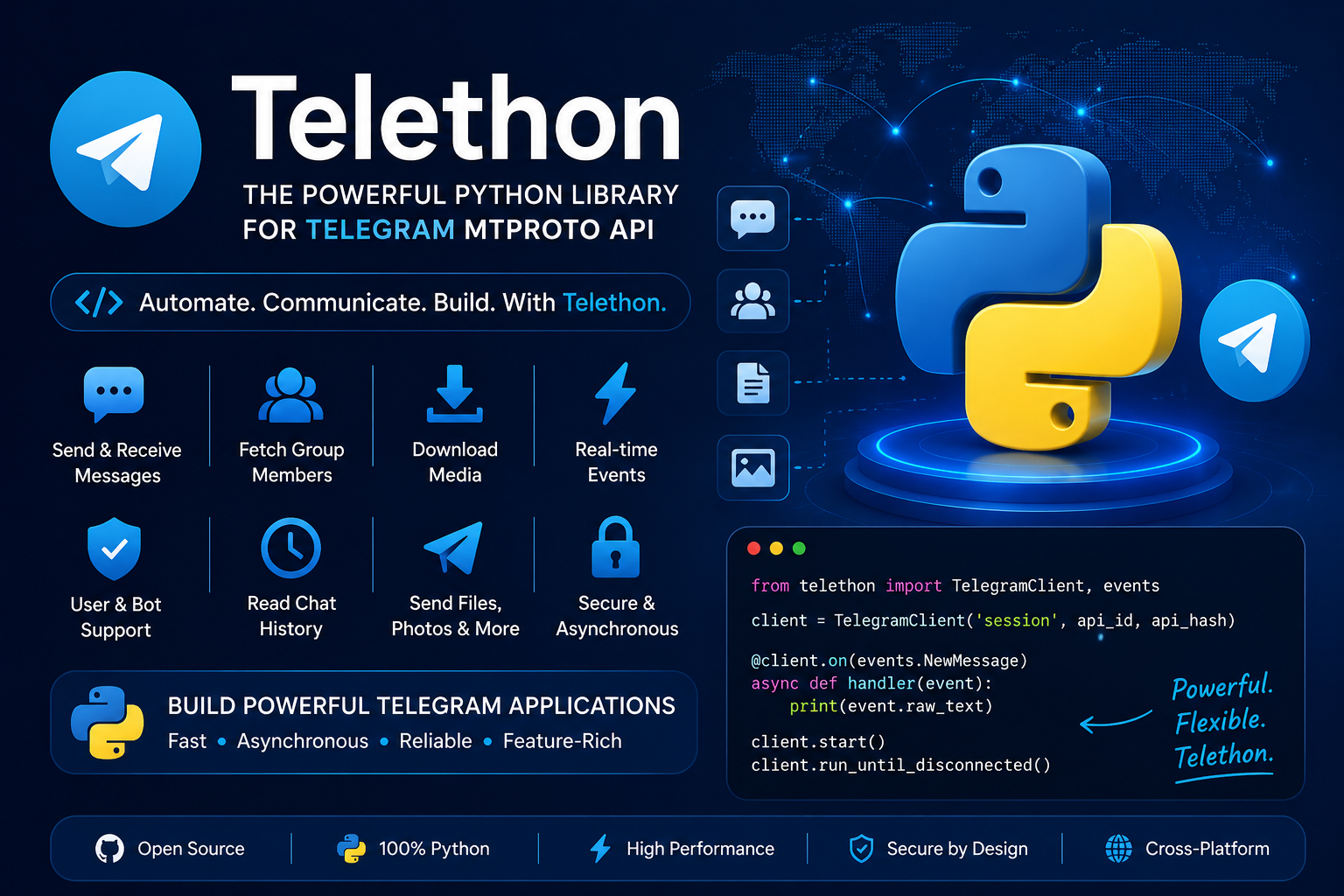
Install Telethon:
pip install telethonYou need an api_id and api_hash, which you can obtain by creating a Telegram API application. The official documentation explains the process.
Signing In
Before working with Telegram’s API, you need to get your own API ID and hash:
Login to your Telegram account with the phone number of the developer account to use.
Click under API Development tools.
A Create new application window will appear. Fill in your application details. There is no need to enter any URL, and only the first two fields (App title and Short name) can currently be changed later.
Click on Create application at the end. Remember that your API hash is secret and Telegram won’t let you revoke it. Don’t post it anywhere!
Login Example
from telethon import TelegramClient
api_id = 12345678
api_hash = "YOUR_API_HASH"
client = TelegramClient("session", api_id, api_hash)
async def main():
   me = await client.get_me()
   print(me.first_name)
with client:
   client.loop.run_until_complete(main())
The first time you run this code, Telethon will ask for:
- Your phone number
- The OTP sent by Telegram
- Your 2FA password (if enabled)
It will then create a session.session file so you won't need to log in again.
1. User Account Automation
You can log in with a phone number and automate actions as a normal Telegram user.
- Read private chats
- Send messages
- Join groups
- Download media
- Update profile
- Manage contacts
2. Bot Support
Telethon also supports bot tokens.
from telethon import TelegramClient

client = TelegramClient(
    'bot',
    api_id,
    api_hash
).start(bot_token='BOT_TOKEN')
3. Read Messages
async for message in client.iter_messages("username", limit=10):
   print(message.text)
4. Send Messages
await client.send_message("username", "Hello!")You can send:
- Text
- Photos
- Videos
- Documents
- Voice notes
- GIFs
- Stickers
- Polls
5. Listen for New Messages
from telethon import events
@client.on(events.NewMessage)
async def handler(event):
   print(event.raw_text)
6. Download Media
await message.download_media("downloads/")Download:
- Images
- Videos
- Documents
- Audio
- Voice messages
7. Upload Media
await client.send_file(
   "username",
   "photo.jpg",
   caption="My photo"
)
8. Get Group Members
from telethon.tl.functions.channels import GetParticipantsRequestYou can fetch:
- User IDs
- Usernames
- Phone numbers (if visible)
- Names
- Status
- Last seen (subject to privacy settings)
Limitations
- Requires
api_idandapi_hash. - User accounts require OTP verification on first login.
- Telegram enforces rate limits, so excessive requests can trigger
FloodWaitError. - Some data (such as phone numbers or last seen) may be unavailable because of users' privacy settings.
- Actions are limited by Telegram's permissions and terms of service.
Telethon vs Telegram Bot API
| Feature | Telethon | Telegram Bot API |
|---|---|---|
| Login as User | ✅ | ❌ |
| Login as Bot | ✅ | ✅ |
| Read Private Chats | ✅ | ❌ |
| Join Groups | ✅ | Limited |
| Fetch Group Members | ✅ (subject to access and Telegram restrictions) | ❌ |
| Read Message History | ✅ | Limited |
| Send Media | ✅ | ✅ |
| MTProto Support | ✅ | ❌ |
| Event Handling | ✅ | ✅ |