Combine Excel & CSV Files Online — Without VLOOKUP Headaches
If you've ever needed to merge two spreadsheets, you know the pain: exporting one file, VLOOKUP-ing values into another, praying the row order lines up, and copy-pasting columns by hand. It's slow, error-prone, and easy to mess up.
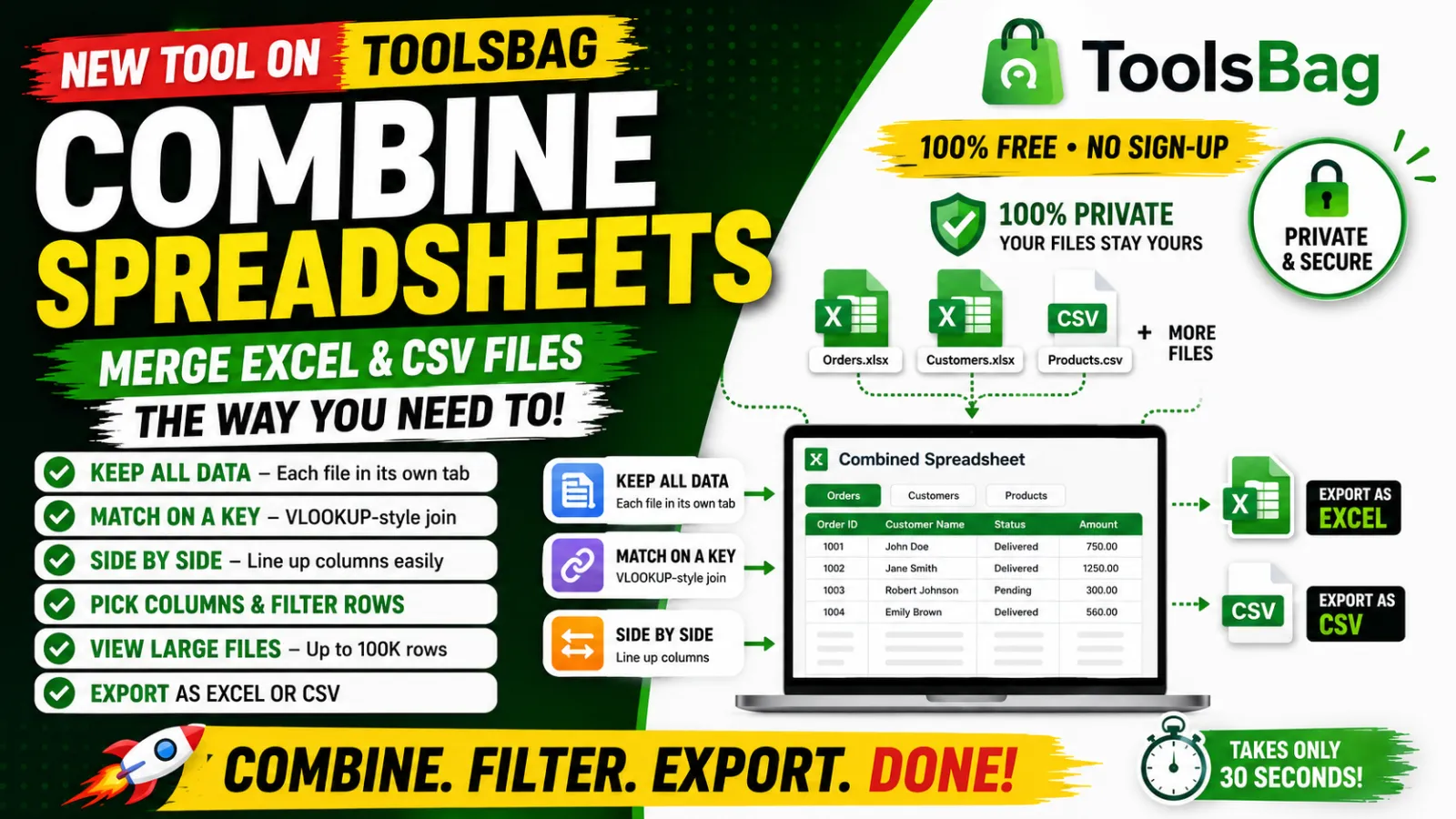
That's exactly why we built Combine Spreadsheets — a free tool that merges two or more Excel or CSV files the way you need, in seconds.
Three ways to combine your files
Every merge is different, so the tool gives you three modes:
1. Keep all data — one tab per file
Upload your files and each one becomes its own tab in a single workbook. Nothing is merged, nothing is dropped — perfect when you just want several files bundled into one clean .xlsx.
2. Match on a key (VLOOKUP-style)
Have an Order ID, SKU, or Email column shared across files? Pick it as the key, and rows are joined automatically — pulling the columns you choose from each file. It's everything VLOOKUP does, without writing a single formula. You can keep all rows from the first file (blanks where there's no match) or only the rows that match everywhere.
3. Side by side
Place each file's columns next to the others, aligned row by row — handy when your files are already in the same order.
Built for real spreadsheets
- Pick your columns. Choose exactly which columns to keep from each file — no more deleting unwanted columns afterwards.
- Filter rows before combining. Keep only the rows you care about — e.g. only
Status = Delivered, orAmount > 500— with multiple conditions and AND/OR logic, per file. - View your data. Preview any file's rows right in the browser, paginated — even a 100,000-row sheet loads smoothly.
- Export as Excel or CSV. Your combined file, ready to download with a clear, descriptive filename.
How to use it
- Go to Combine Spreadsheets.
- Drop in two or more
.xlsxor.csvfiles. - Choose how to combine — tabs, key-match, or side by side.
- (Optional) Filter rows and pick the columns you want.
- Click Combine & download. Done.
Private by design
Your data stays yours. Files aren't stored, aren't shared, and nothing goes to any third-party service. No sign-up, no account, no data harvesting — just the tool.
Who it's for
- E-commerce sellers combining order exports from different marketplaces
- Analysts joining datasets without spinning up a database
- Anyone who's tired of doing VLOOKUP by hand
Stop wrestling with formulas. Combine your spreadsheets in seconds →
Have a spreadsheet task that eats your time? Tell us — it might be the next tool we build.