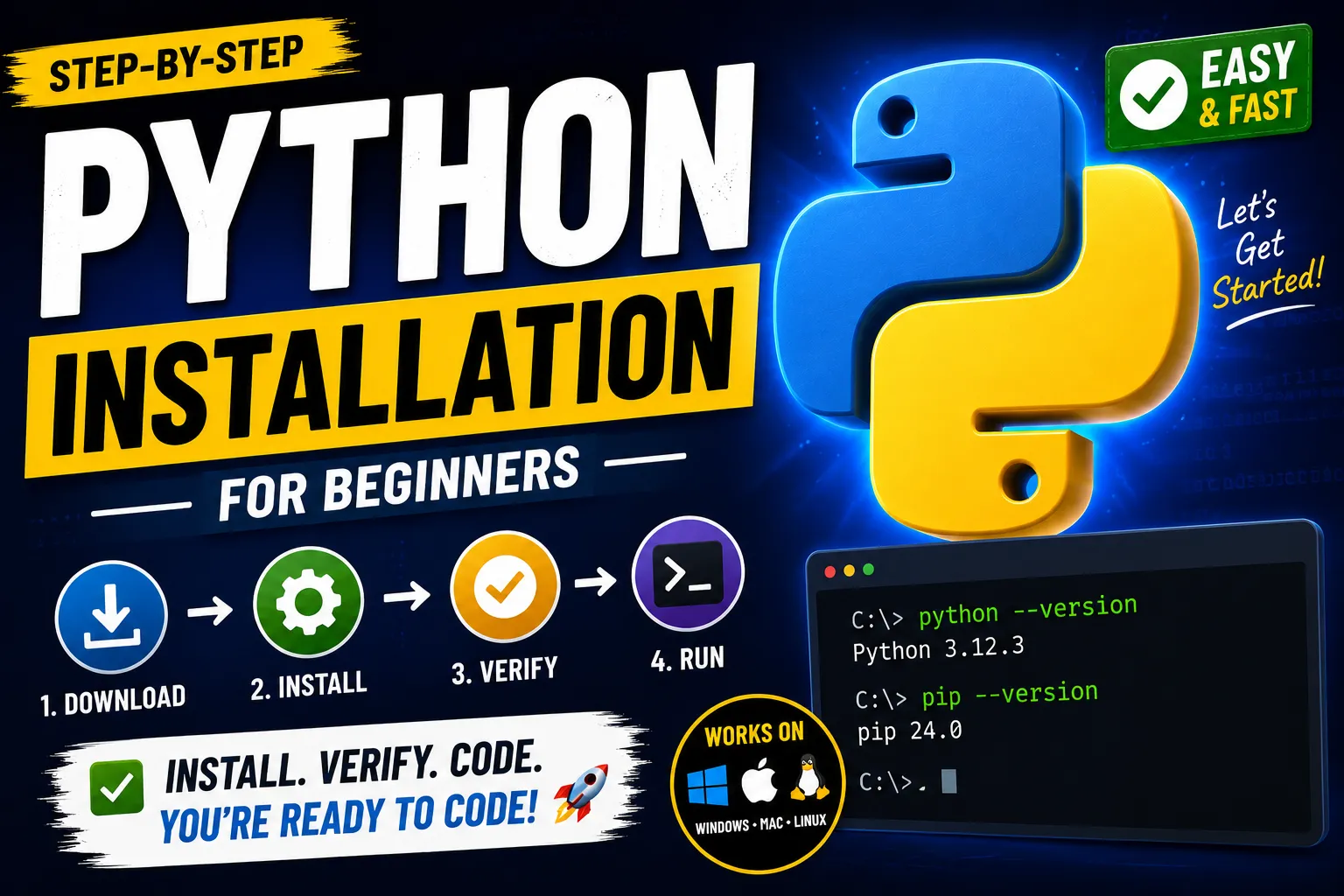
Download Python
- Go to https://www.python.org/downloads
- Click Download Python for your operating system (Windows, macOS, or Linux ).
- Install Python (Windows)
- Run the downloaded installer
- ✅ Check "Add Python to PATH " (Very Important).
- Click Install Now .
- Wait for the installation to complete.
- Verify Installation
- Open Command Prompt or PowerShell and run:
python --versionOR