Turn Photos Into a PDF Without Re-Compressing a Single One
Most image-to-PDF tools make the same two mistakes.
1. They re-compress your JPEGs for no reason
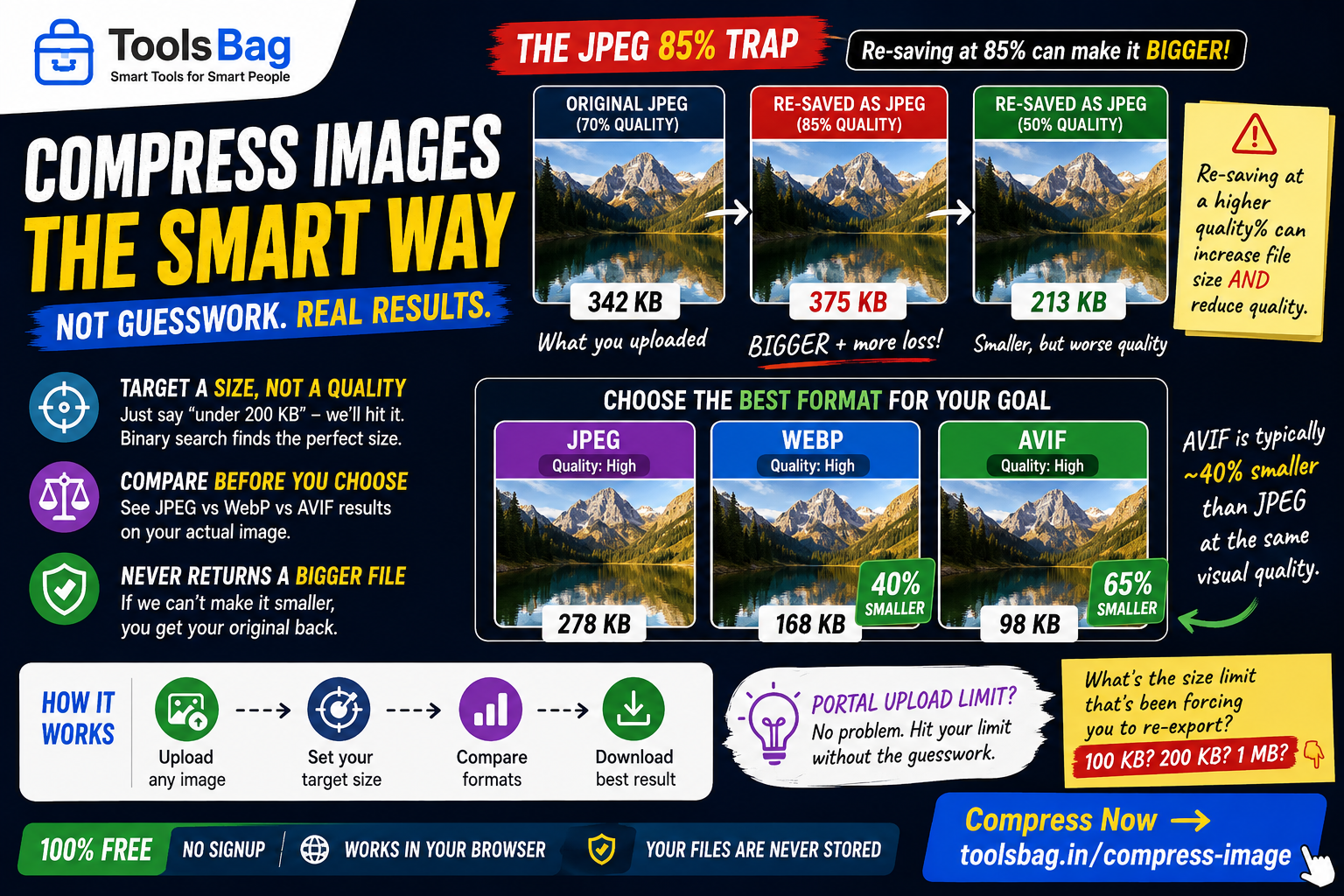
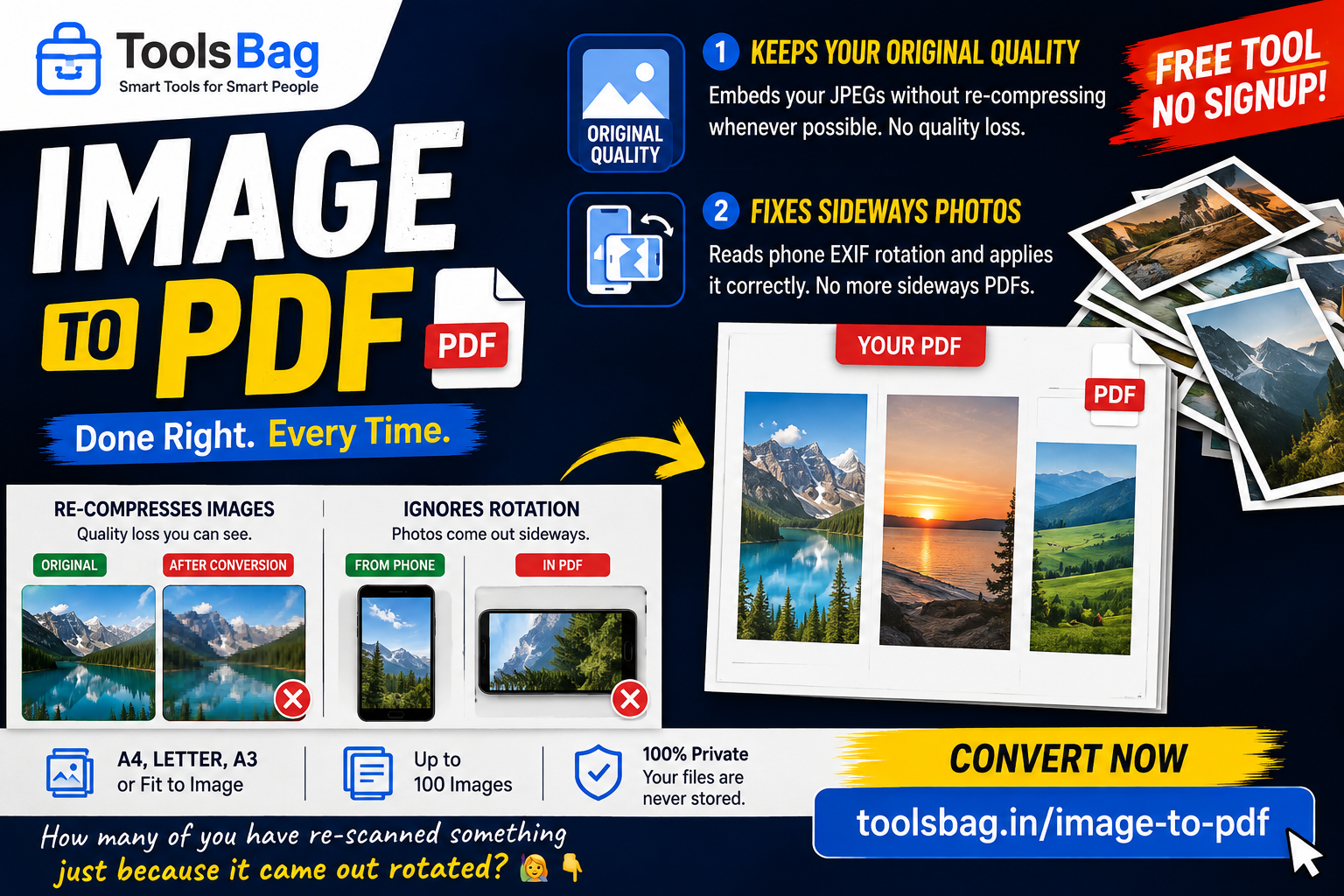
A PDF can carry your JPEG exactly as it is. The format supports it. But most tools decode every picture and re-encode it on the way in, so you lose a generation of quality to achieve precisely nothing.
ToolsBag embeds the original bytes wherever it can. Re-encoding happens only when something genuinely has to change — a mirrored orientation, or a format a PDF can’t hold directly.
2. Your phone photos come out sideways
A phone stores nearly every portrait shot as landscape, with a small EXIF tag saying “turn me”. Ignore that tag and every portrait photo lands on its side. It’s one of the most common complaints about these tools.
Here, quarter-turns are applied as a placement rotation — it costs nothing and keeps your original bytes intact. Only mirrored orientations, which no rotation can express, need a re-encode.
What you get
- Up to 100 images in one PDF
- Page presets for A4, Letter, A3, or fit-to-image so the page takes the photo’s own shape
- Adjustable margins up to 50 mm
- Drag to reorder before you export
Free, no signup, no watermark → Try Image to PDF
[/custom-html]