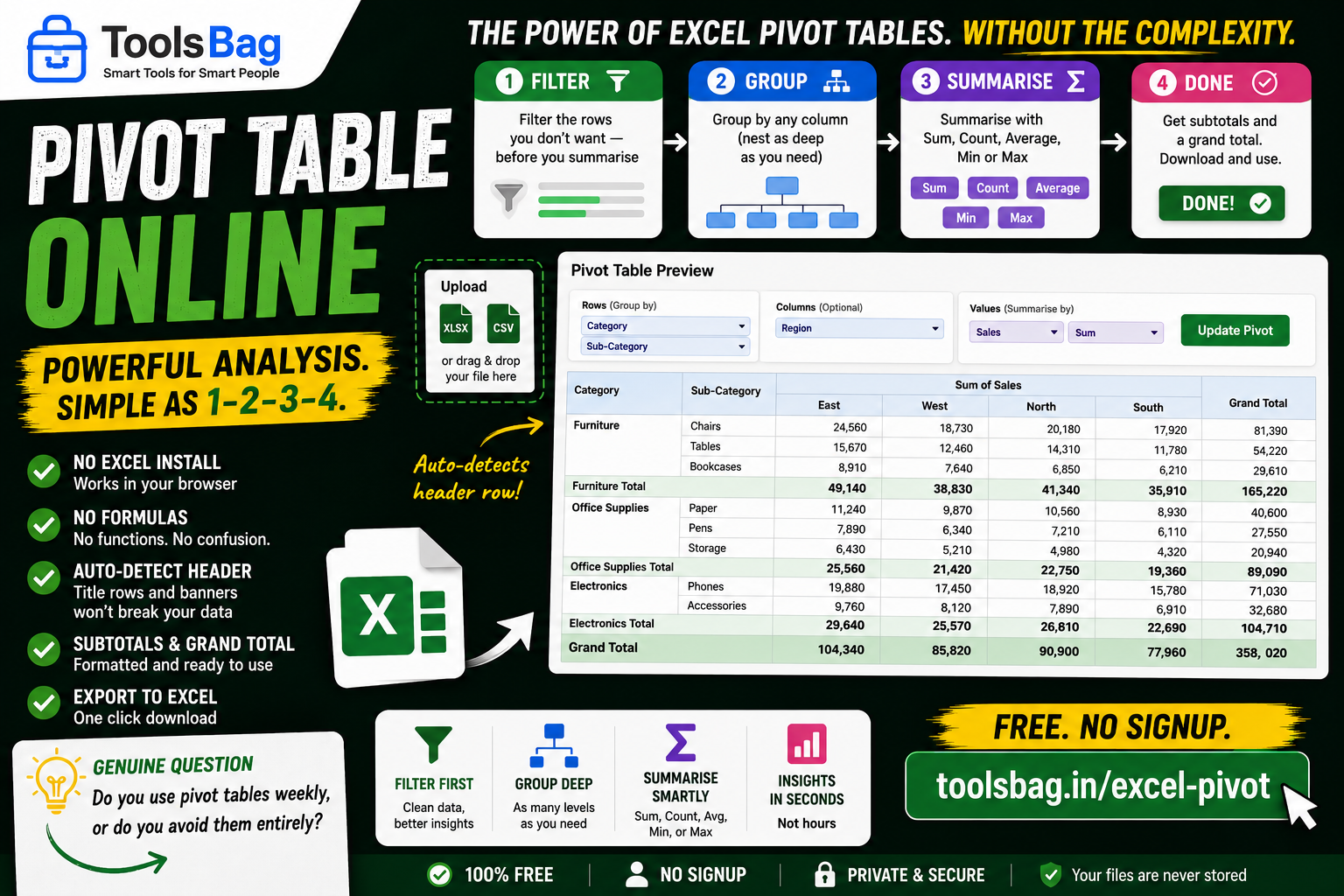
Build a Pivot Table in Your Browser — No Excel, No Formulas
The pivot table is the most useful thing in Excel. It’s also the thing most people quietly avoid, because the dialog is intimidating and one wrong drag produces nonsense with no explanation of why.
This one fits on a single screen and runs in the order you’d actually think in.
1. Filter
Cut the rows you don’t want before you summarise, not after. Filtering afterwards is how people end up with totals that quietly include returns, test orders or cancelled rows.
2. Group
Pick any column to group by, nested as deep as you need — state, then city, then SKU.
3. Summarise
Sum, Count, Average, Min or Max on any column.
4. Download
Formatted subtotals at every level, plus a grand total, in a real .xlsx file.
It handles messy exports
Upload .xlsx or .csv. The header row is auto-detected, so the title lines and blank banner rows that nearly every exported report starts with won’t break it. You get a live preview before downloading anything, on files up to 100,000 rows.
No Excel install, no formulas, no pivot cache mystery.
Free, no signup → Try Pivot Table Online