Why One “Compress PDF” Button Can’t Work (And What To Use Instead)
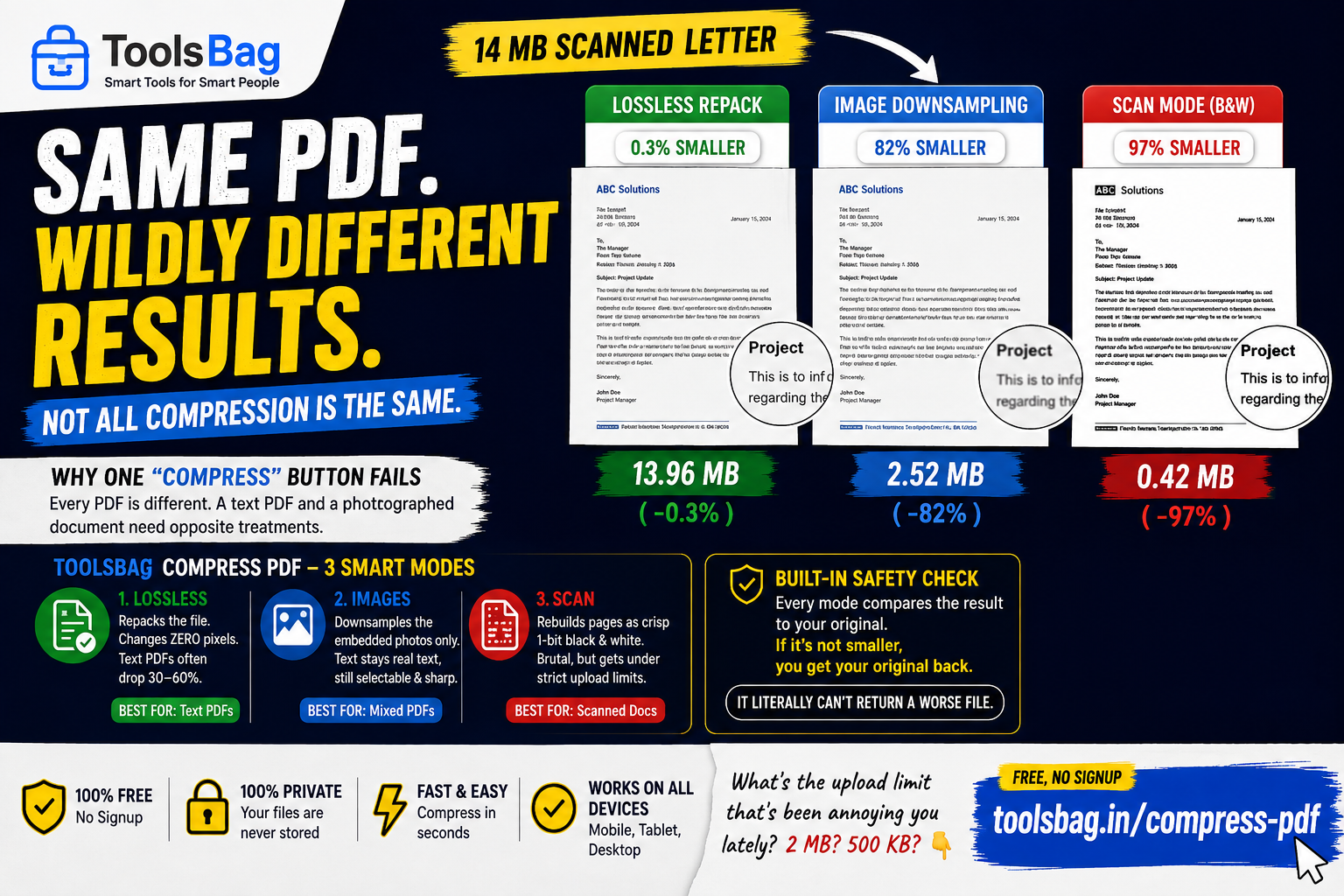
Take one 14 MB scanned consent letter and compress it three ways:
| Technique | Result |
|---|---|
| Lossless | 0.3% smaller |
| Images | 82% smaller |
| Scan | 97% smaller |
That gap is the whole problem. A single compress button has no idea what your file is made of, and a text PDF needs the opposite treatment to a photographed one.
Lossless
Repacks the file without changing a pixel — drops unreferenced objects, deflates streams, subsets fonts. Text and vector PDFs often shrink 30–60%. A scan barely moves, because its photos are already compressed and they are the file.
Images
Downsamples and re-encodes the embedded pictures, leaving everything else alone. Text stays real text — selectable and sharp — and colour survives. What matters isn’t an image’s pixel count but its density on the page: a 3000px photo across a 6-inch page is 500 DPI, far past what any screen or office printer resolves.
Scan
Rebuilds each page as pure black and white. Deliberately brutal, and the only thing that gets a phone-photographed document under a portal’s upload limit. At the same file size, low-resolution grey is a blurry smear while 1-bit keeps letter edges crisp.
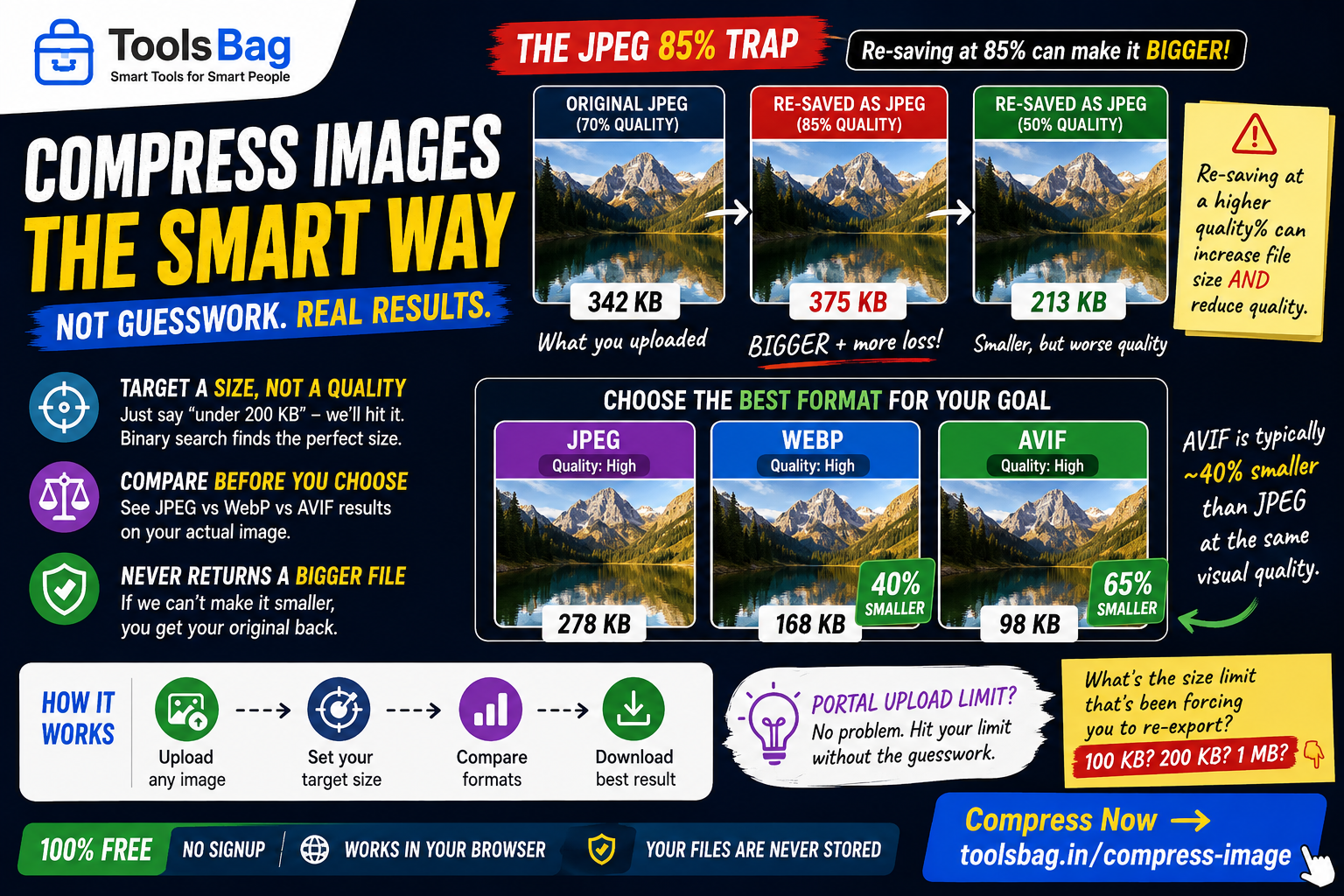
Every mode compares its result against your original and returns whichever is smaller. It cannot hand you back a worse file.
Free, no signup → Try Compress PDF