Stop Guessing at Quality Sliders — Just Name the File Size
Two things most image compressors get wrong.
They hand you back a bigger file
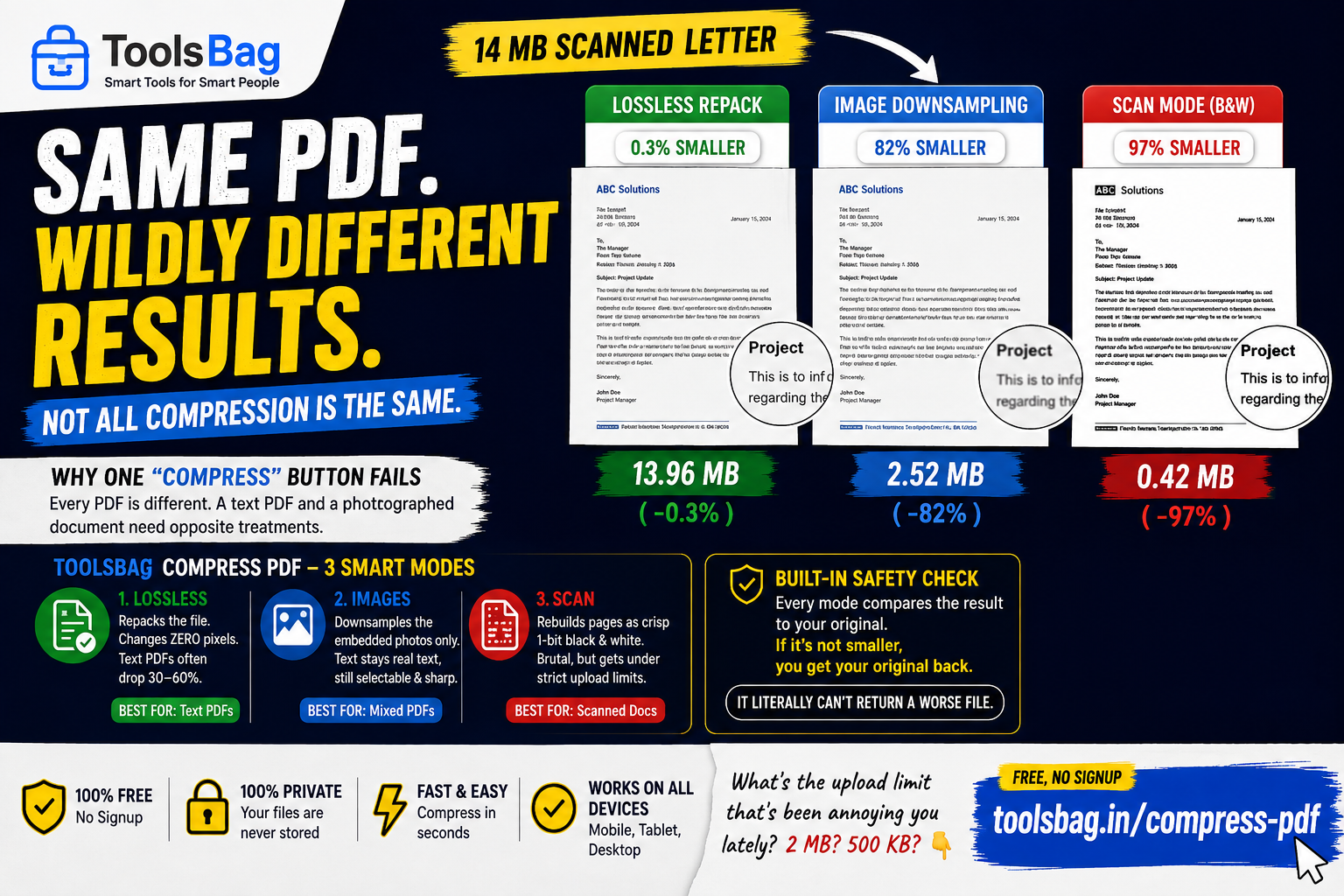
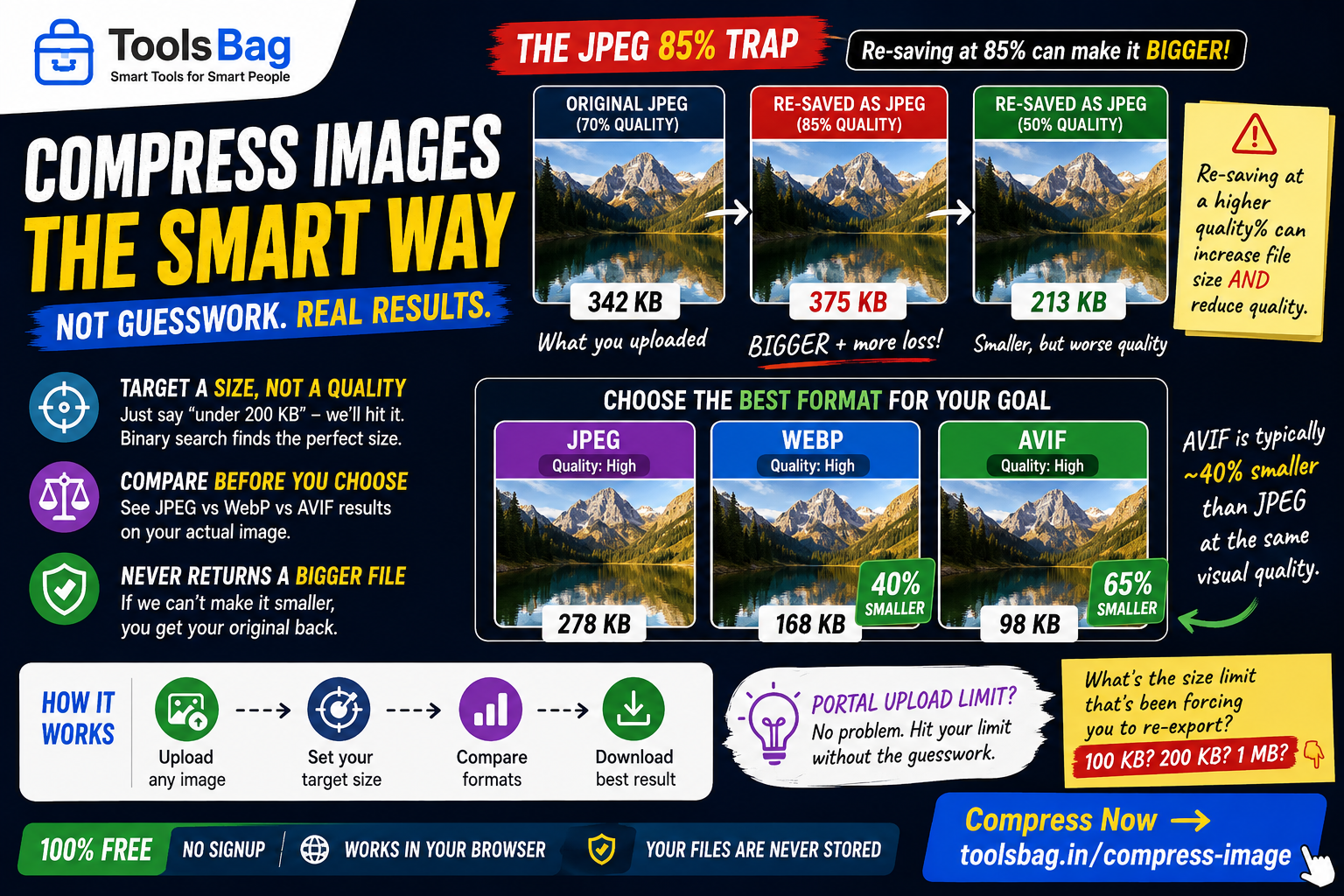
Re-encoding an already-compressed JPEG at “85% quality” routinely grows it. Your source may well have been saved at 70, so you pay for a second generation of loss and more bytes. Worst of both.
Here, every result is compared against its input and the smaller one wins. You can’t end up worse off than you started.
They make you guess
A quality slider tells you nothing about the outcome, so people export three times and compare. But the real constraint is almost never “85% quality” — it’s “the portal refuses anything over 200 KB.”
So say that instead. Name a target size and a binary search finds the quality that lands under it.
Which format?
AVIF is roughly 40% smaller than JPEG at the same visual quality and works in current browsers, though not in much older software. WebP sits in between. JPEG is understood by everything. The tool reports all three on your actual image, so the choice is informed rather than folklore.
And if quality had to drop far enough to be visible, it says so — a visible outcome rather than a silent one.
Free, no signup → Try Compress Images